Ledger Flex vs Trezor Safe 7
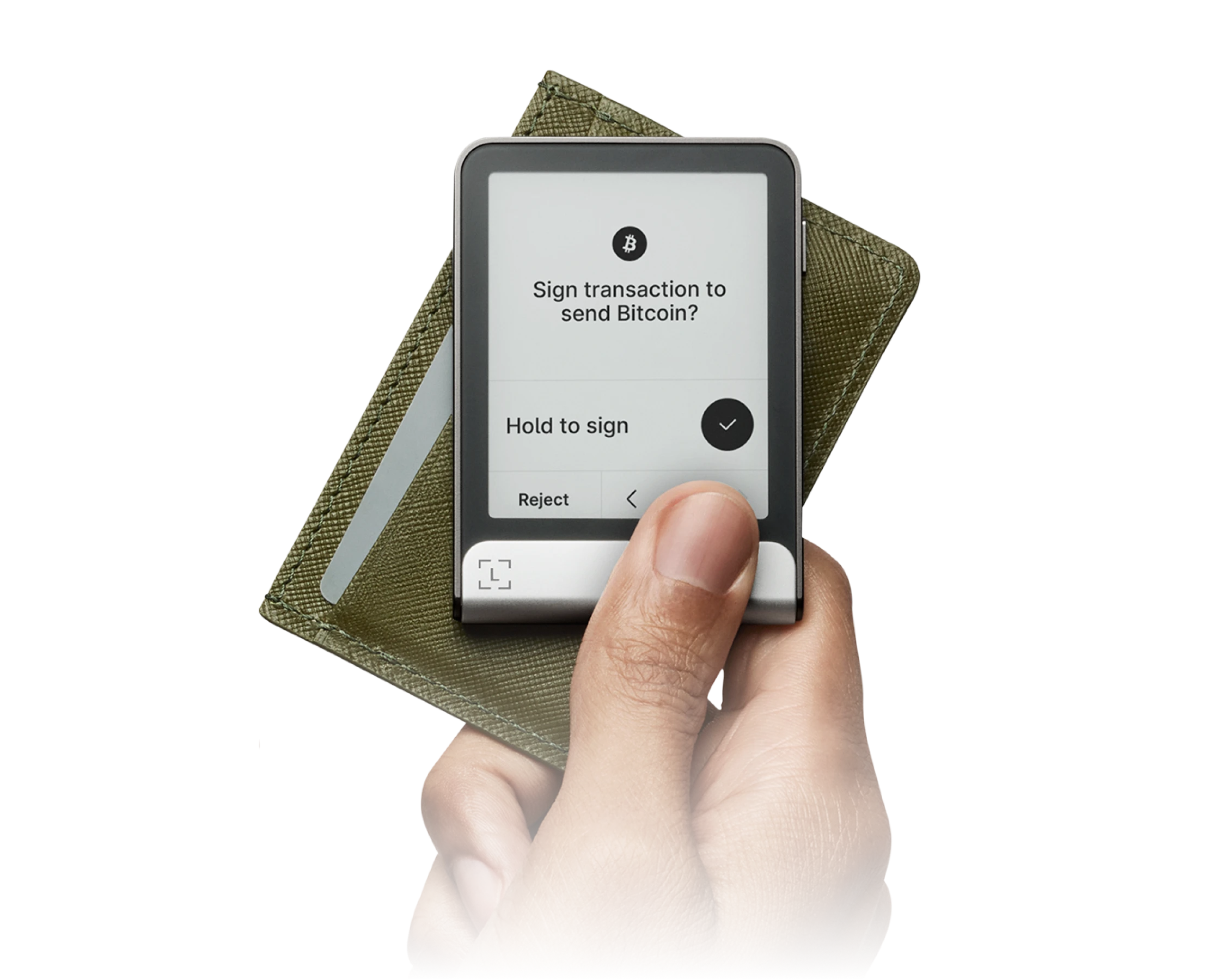
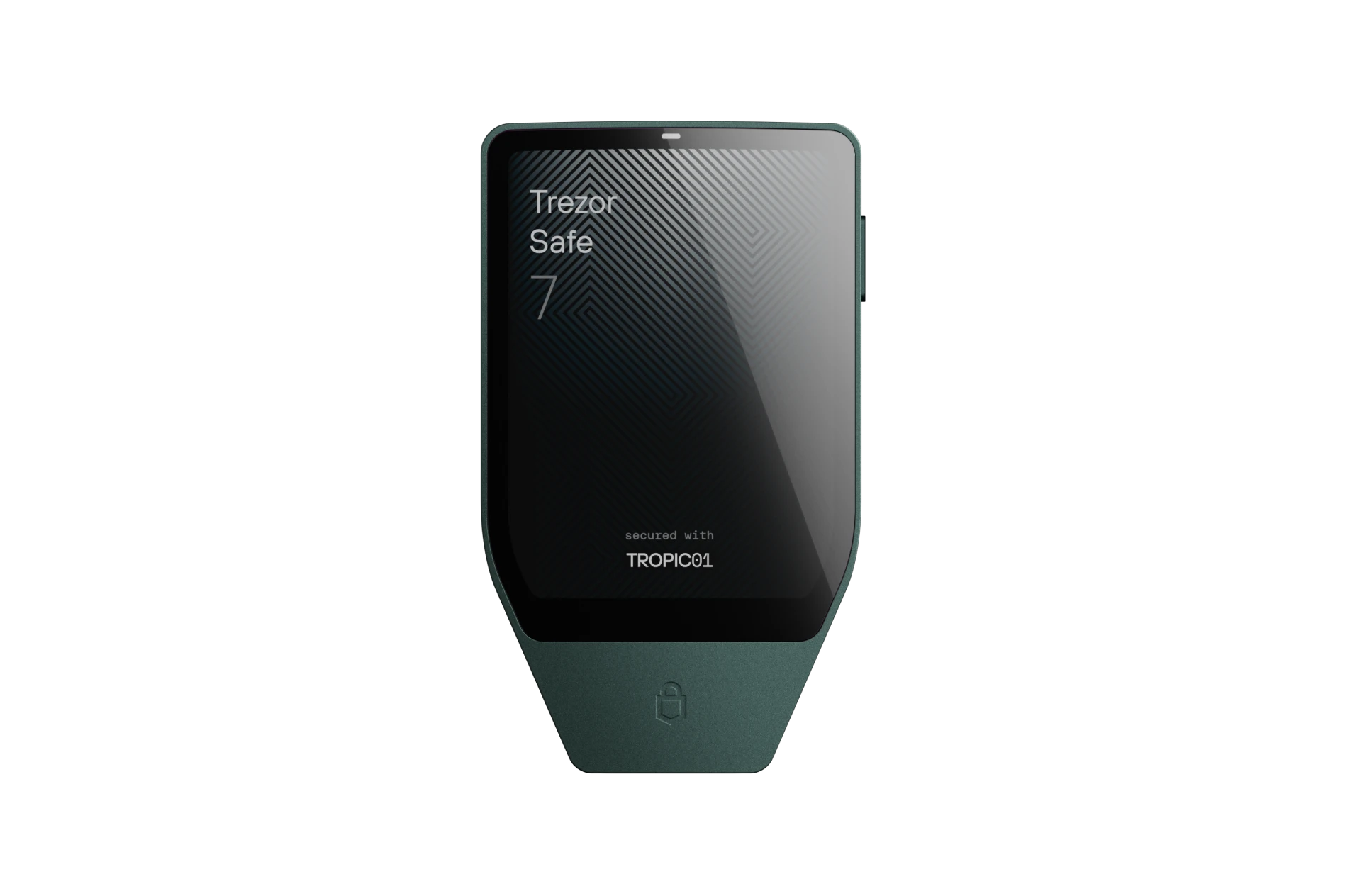
vs
At a Glance
How each wallet scores across key dimensions. Each axis is rated out of 5.
Ratings & Specs
4.7
Overall Rating
4.8
4.9 / 5
Security Rating
5.0 / 5
Hardware
Wallet Type
Hardware
Over 5,500 coins and tokens across 100+ blockchains via Ledger Live.
Assets Supported
Over 8,000 coins and tokens across dozens of blockchains including Bitcoin, Ethereum, Solana, and Cardano.
Highlighted cell = stronger result on that metric.
Key Security Features
Ledger Flex
- CC EAL6+ Certified Secure Element
- BOLOS Operating System Architecture
- Full On-Screen Clear Signing Verification
- PIN Code Protection with Anti-Tamper Wiping
- Cryptographic Genuine Device Attestation
Trezor Safe 7
- Open-Source TROPIC01 Secure Element
- Post-Quantum Cryptography Architecture
- On-Device Touchscreen PIN Entry
- BIP-39 & Shamir Backup (SLIP39) Support
- 100% Open-Source Firmware & Transparent Hardware Design
Pros & Cons
Ledger Flex
Pros
- •Clear, high-contrast 2.84-inch E-Ink touchscreen display
- •Certified CC EAL6+ Secure Element protection
- •Bluetooth 5.2 and NFC connectivity for mobile flexibility
- •Always-on customizable lock screen with weeks of battery standby
- •Ergonomic aluminum and polycarbonate build
Cons
- •No wireless Qi charging (charges via USB-C)
- •Firmware is partially closed-source due to Secure Element supplier NDAs
Trezor Safe 7
Pros
- •World's first transparent, open-source TROPIC01 Secure Element
- •Post-quantum cryptographic architecture for long-term security
- •Vibrant color touchscreen with responsive haptic engine
- •Encrypted Bluetooth and USB-C for seamless desktop and mobile use
- •Native Shamir Backup (SLIP39) multi-share recovery support
Cons
- •Premium price point reflecting flagship hardware
- •Slightly larger form factor than minimal USB dongles
- •Bluetooth feature requires battery charging for wireless sessions
Related Comparisons
Explore how Ledger Flex and Trezor Safe 7 compare against other top hardware and software wallets.