Ledger Flex vs Trezor Model T
Our Take
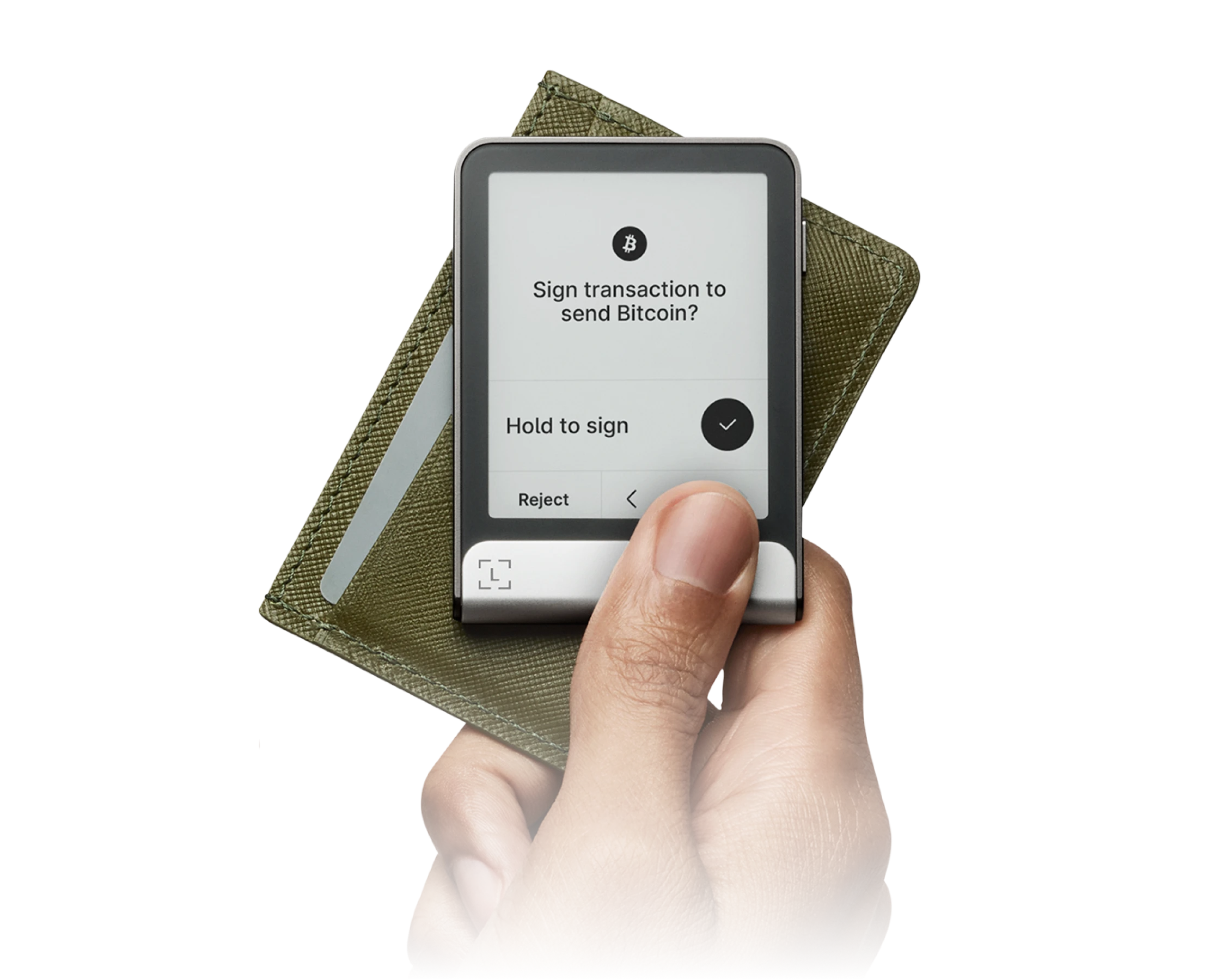
Not financial adviceThe Ledger Flex secures the top spot with its 2.84-inch E-Ink touchscreen and certified Secure Element chip. At $249, it offers clear on-screen transaction verification that prevents phishing attacks. The companion Ledger Live app supports over 5,500 coins and tokens. This hardware wallet combines physical durability with a modern interface, making it the most reliable choice for managing digital assets daily.
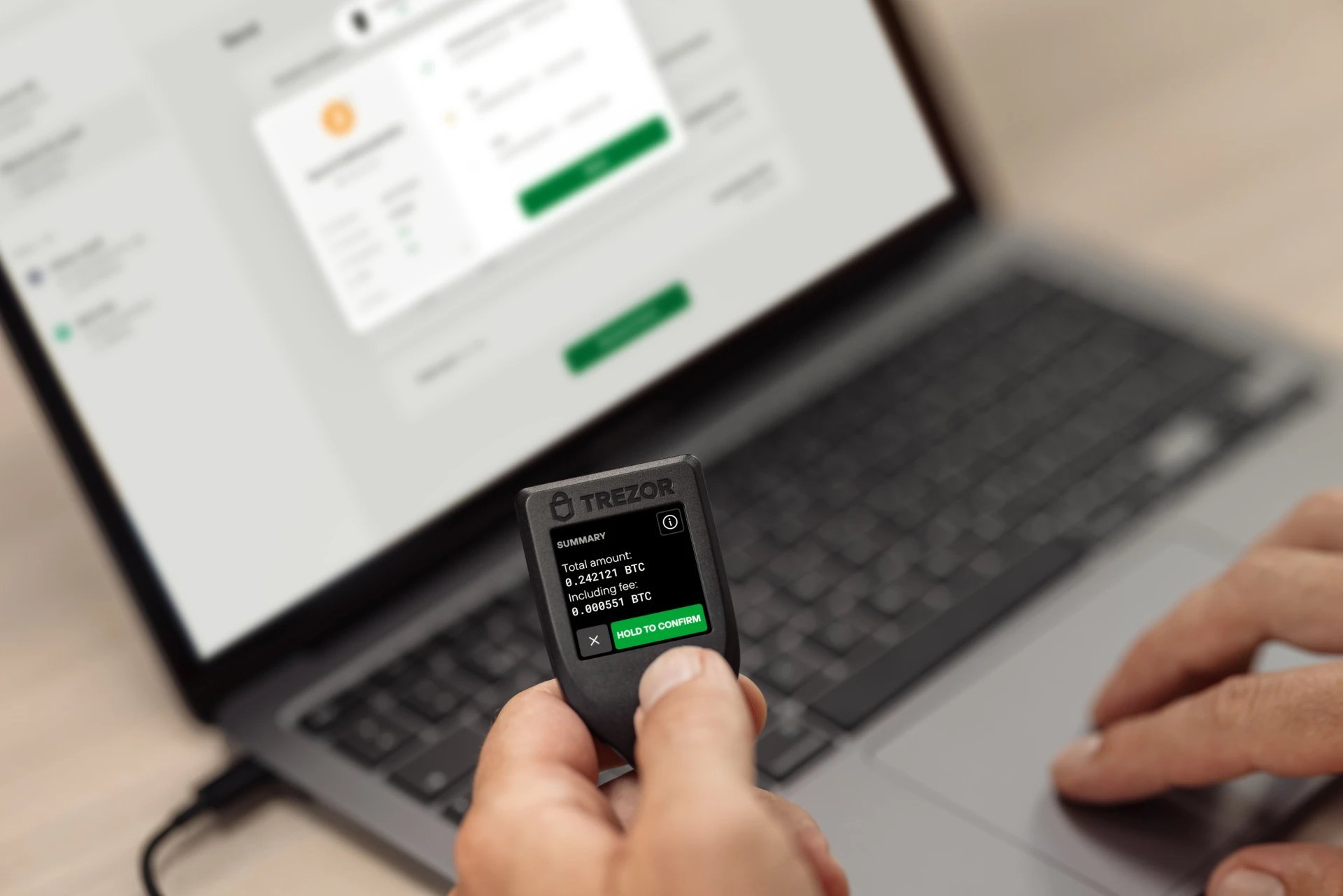
For users prioritizing open-source software, the Trezor Model T is the best alternative at $179. It features a 1.54-inch color LCD touchscreen and supports Shamir Backup for advanced seed phrase security. The Model T runs on entirely open-source firmware, allowing independent developers to audit its code. It supports over 9,000 coins and tokens through the Trezor Suite application, serving as an excellent option for privacy-focused investors.
Security
Ledger Flex
CC EAL6+ certified Secure Element chip
Asset Support
Trezor Model T
Supports over 9,000 coins and tokens
Price
Trezor Model T
Costs $179 compared to the $249 Ledger Flex
Usability
Ledger Flex
Larger 2.84-inch E-Ink touchscreen display
Check pricing directly from official stores:
At a Glance
How each wallet scores across key dimensions. Each axis is rated out of 5.
Ratings & Specs
Highlighted cell = stronger result on that metric.
Key Security Features
Ledger Flex
- CC EAL6+ Certified Secure Element
- BOLOS Operating System Architecture
- Full On-Screen Clear Signing Verification
- PIN Code Protection with Anti-Tamper Wiping
- Cryptographic Genuine Device Attestation
Trezor Model T
- On-Device Color Touchscreen PIN Entry
- Shamir Backup (SLIP39) Support
- BIP-39 Passphrase Hidden Wallets
- MicroSD Card Data Encryption
- 100% Open-Source Firmware Stack
Pros & Cons
Ledger Flex
Pros
- •Clear, high-contrast 2.84-inch E-Ink touchscreen display
- •Certified CC EAL6+ Secure Element protection
- •Bluetooth 5.2 and NFC connectivity for mobile flexibility
- •Always-on customizable lock screen with weeks of battery standby
- •Ergonomic aluminum and polycarbonate build
Cons
- •No wireless Qi charging (charges via USB-C)
- •Firmware is partially closed-source due to Secure Element supplier NDAs
Trezor Model T
Pros
- •Color touchscreen enables on-device PIN and passphrase entry
- •Pioneered Shamir Backup (SLIP39) distributed key recovery
- •Fully open-source firmware and hardware architecture
- •MicroSD card slot for on-device encryption and microSD backup
- •USB-C connectivity
Cons
- •Higher price point compared to newer models
- •No Secure Element chip (relies on passphrase against physical attacks)
- •Touchscreen display is compact
Frequently Asked Questions
Which is better for beginners?
Which is more secure?
Which supports more cryptocurrencies?
Is the price difference worth it?
Related Comparisons
Explore how Ledger Flex and Trezor Model T compare against other top hardware and software wallets.