Trezor Model One vs Trust Wallet
At a Glance
How each wallet scores across key dimensions. Each axis is rated out of 5.
Ratings & Specs
4.1
Overall Rating
4.1
4.2 / 5
Security Rating
4.1 / 5
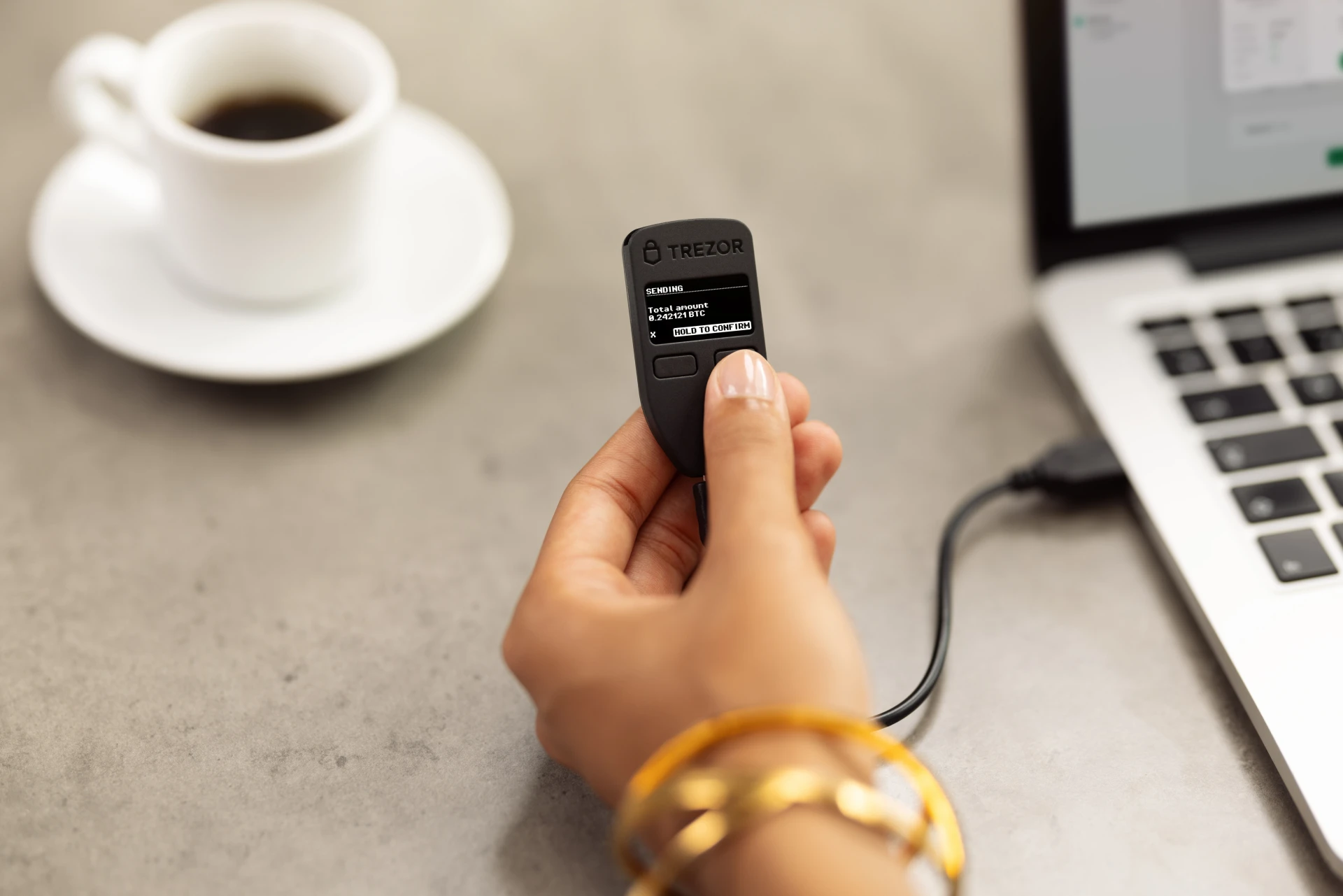
Hardware
Wallet Type
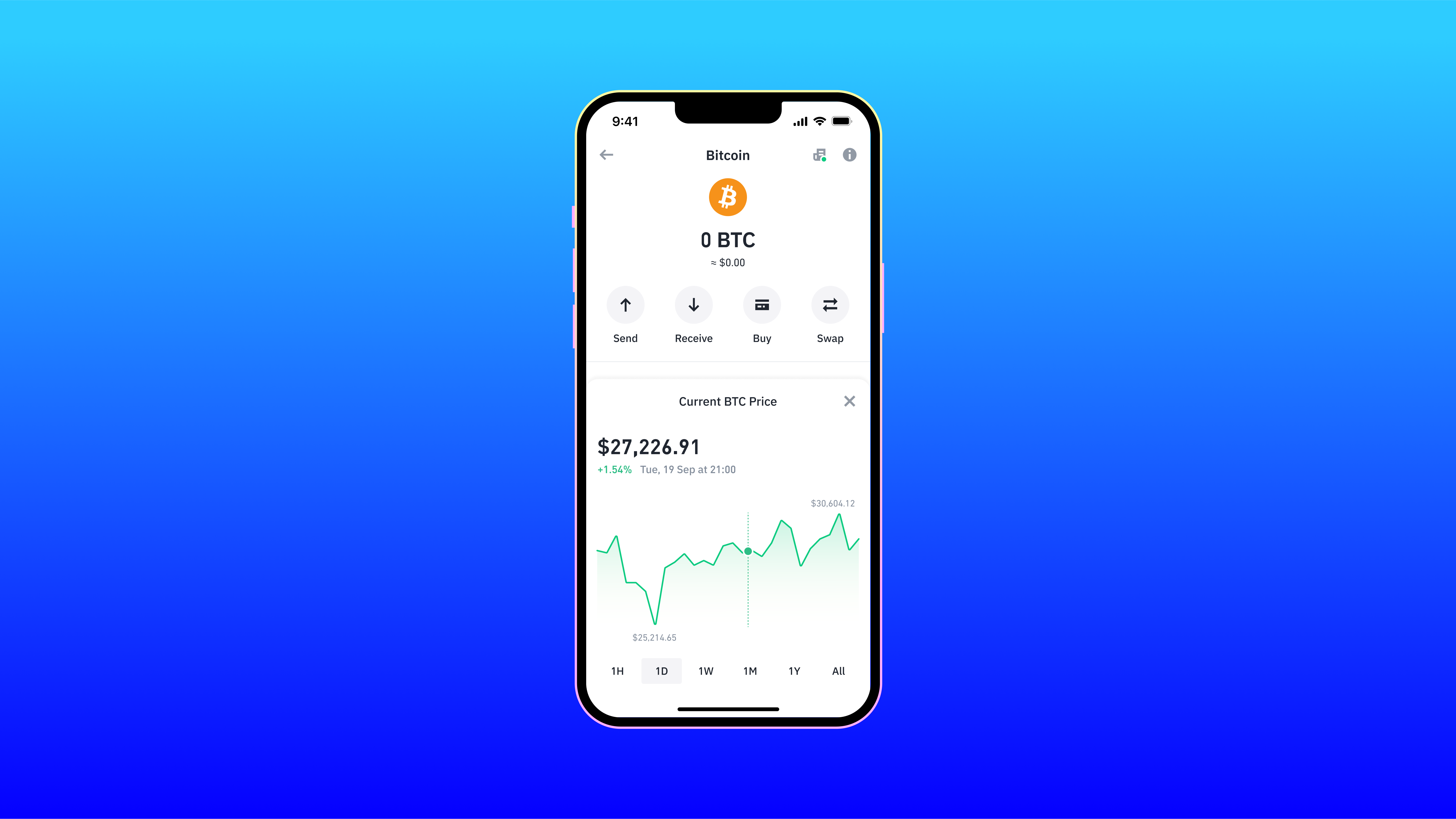
Software
Supports Bitcoin, Ethereum, and thousands of ERC-20 tokens (does not support Solana, Cardano, XRP, or Monero).
Assets Supported
Over 10 million assets across 100+ blockchains, including Bitcoin, Ethereum, Solana, and all EVM-compatible chains
Highlighted cell = stronger result on that metric.
Key Security Features
Trezor Model One
- PIN protection with scrambled matrix
- BIP-39 Passphrase support for hidden wallets
- 100% Open-source hardware and firmware
- Physical two-button transaction verification
- Deterministic key generation (BIP-32/39/44)
Trust Wallet
- Local key storage (Non-custodial)
- Biometric authentication (FaceID/TouchID)
- PIN code protection
- Encrypted Cloud Backup options
- Real-time security scanner for risky transactions
Pros & Cons
Trezor Model One
Pros
- •Affordable entry-level price point
- •100% open-source firmware and hardware architecture
- •Over 10 years of proven real-world security track record
- •Seamless integration with Trezor Suite desktop and web app
- •Physical two-button confirmation prevents unauthorized transactions
Cons
- •Uses outdated Micro-USB connector instead of USB-C
- •No Secure Element chip (passphrase strongly required against physical attacks)
- •Missing native support for major blockchains like Solana, Cardano, and XRP
- •Scrambled on-screen PIN entry is less convenient than touchscreen models
- •Trezor Safe 3 offers vastly superior hardware for only $10 more
Trust Wallet
Pros
- •Supports a massive range of over 10 million assets and 100+ blockchains
- •User-friendly interface ideal for both beginners and experienced traders
- •Built-in staking and token swapping capabilities
- •Seamless access to decentralized applications (dApps) via integrated browser or WalletConnect
- •Non-custodial architecture ensures users retain full control of their private keys
Cons
- •As a hot wallet, it is inherently less secure than cold storage hardware wallets
- •The in-app dApp browser is unavailable on the iOS version due to Apple guidelines
- •Customer support channels can be overwhelmed due to the massive user base
- •Limited advanced charting tools for professional trading within the app
Related Comparisons
Explore how Trezor Model One and Trust Wallet compare against other top hardware and software wallets.