Trust Wallet vs Coinbase Wallet
Binance
Trust Wallet

Coinbase
Coinbase Wallet
Our Take
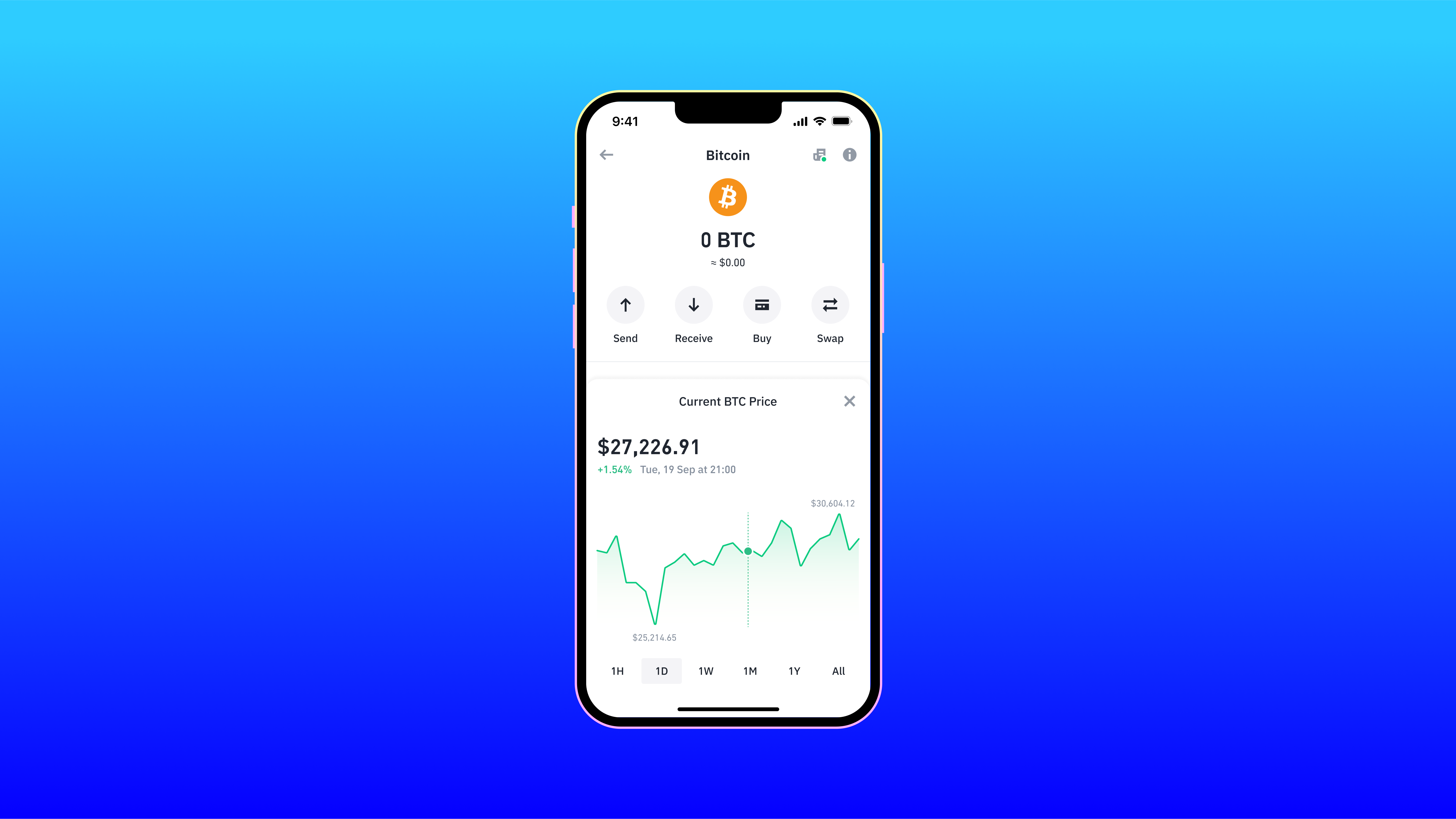
Not financial adviceTrust Wallet is the best choice for most users, earning a 4.1 overall rating and a 4.1 security rating. It supports over 10 million assets across 100+ blockchains, including Bitcoin and Ethereum. Security features like local key storage and a real-time security scanner protect your assets. Built-in staking and token swapping provide immediate utility directly inside the app, making it a highly versatile software wallet.
Coinbase Wallet, with a 4.0 overall rating and 3.7 security rating, is a strong alternative for users already in the Coinbase ecosystem. It supports thousands of assets across Ethereum, Solana, and Avalanche. The app features an integrated dApp browser and an optional encrypted Google Drive or iCloud backup for its 12-word recovery phrase. However, its separation from the main Coinbase exchange account confuses some beginners.
Security
Trust Wallet
Higher 4.1 security rating and real-time security scanner
Asset Support
Trust Wallet
Over 10 million assets across 100+ blockchains
Price
Both software wallets are free to download
Usability
Coinbase Wallet
Familiar interface for Coinbase ecosystem users
At a Glance
How each wallet scores across key dimensions. Each axis is rated out of 5.
Ratings & Specs
Highlighted cell = stronger result on that metric.
Key Security Features
Trust Wallet
- Local key storage (Non-custodial)
- Biometric authentication (FaceID/TouchID)
- PIN code protection
- Encrypted Cloud Backup options
- Real-time security scanner for risky transactions
Coinbase Wallet
- 12-word recovery phrase (seed) for full asset control.
- Optional encrypted Google Drive or iCloud backup for recovery phrase.
- Biometric authentication (Face ID/Touch ID) for app access.
- PIN code protection.
- Transaction signing requires explicit user confirmation.
Pros & Cons
Trust Wallet
Pros
- •Supports a massive range of over 10 million assets and 100+ blockchains
- •User-friendly interface ideal for both beginners and experienced traders
- •Built-in staking and token swapping capabilities
- •Seamless access to decentralized applications (dApps) via integrated browser or WalletConnect
- •Non-custodial architecture ensures users retain full control of their private keys
Cons
- •As a hot wallet, it is inherently less secure than cold storage hardware wallets
- •The in-app dApp browser is unavailable on the iOS version due to Apple guidelines
- •Customer support channels can be overwhelmed due to the massive user base
- •Limited advanced charting tools for professional trading within the app
Coinbase Wallet
Pros
- •Strong brand backing from Coinbase, instilling user confidence.
- •Supports a wide range of cryptocurrencies and NFTs across multiple blockchains.
- •Integrated dApp browser for seamless Web3 interaction.
- •User-friendly interface, especially for those familiar with the Coinbase ecosystem.
- •Offers optional cloud backup for recovery phrase (encrypted).
Cons
- •Separate from the Coinbase exchange account, which can be confusing for new users.
- •As a software wallet, it is vulnerable to device compromise and online threats.
- •Some advanced features or customization options might be lacking compared to niche wallets.
- •Cloud backup, while convenient, introduces a third-party risk if not properly secured.