Trezor Safe 3 vs Ledger Flex
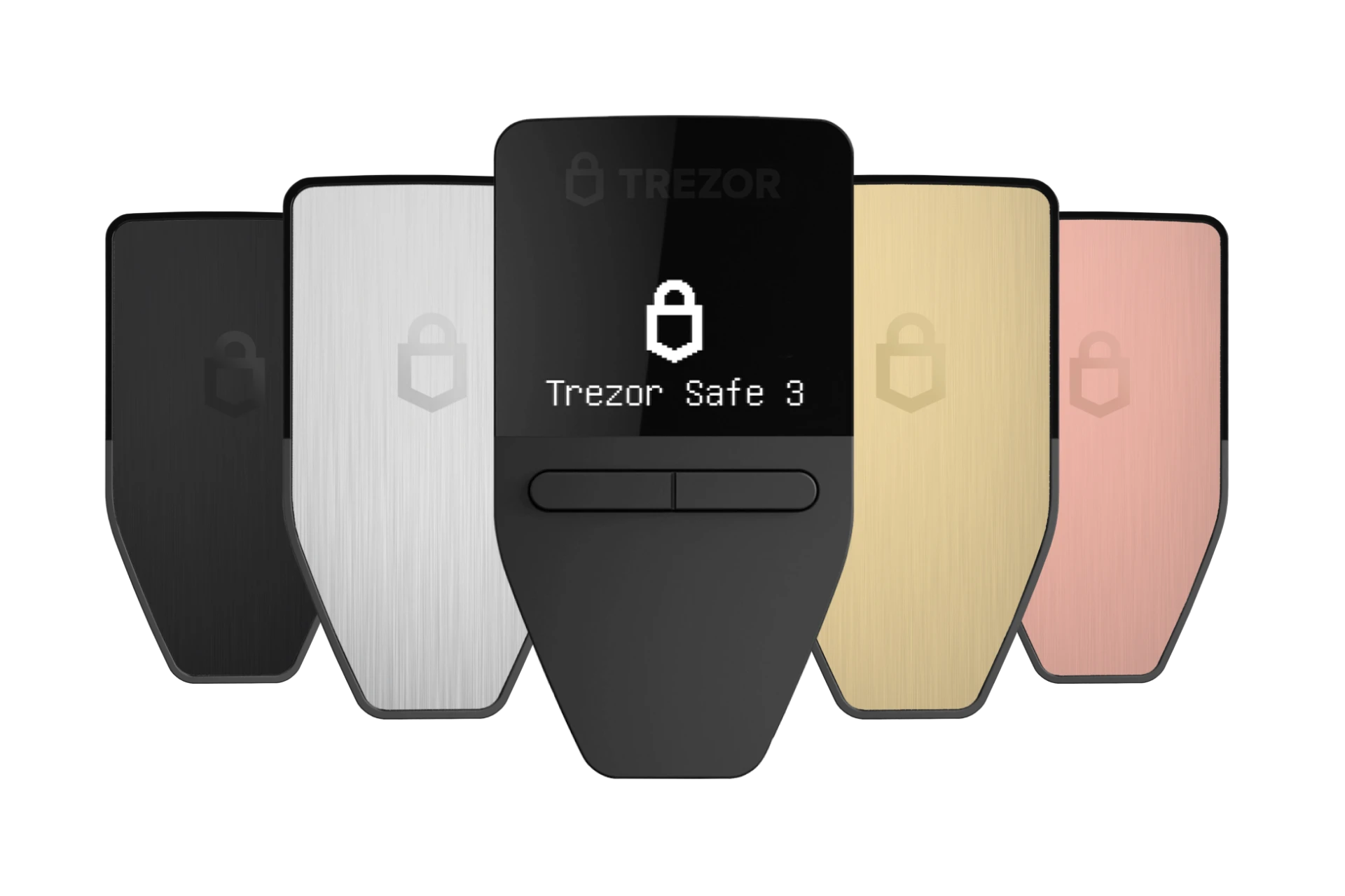
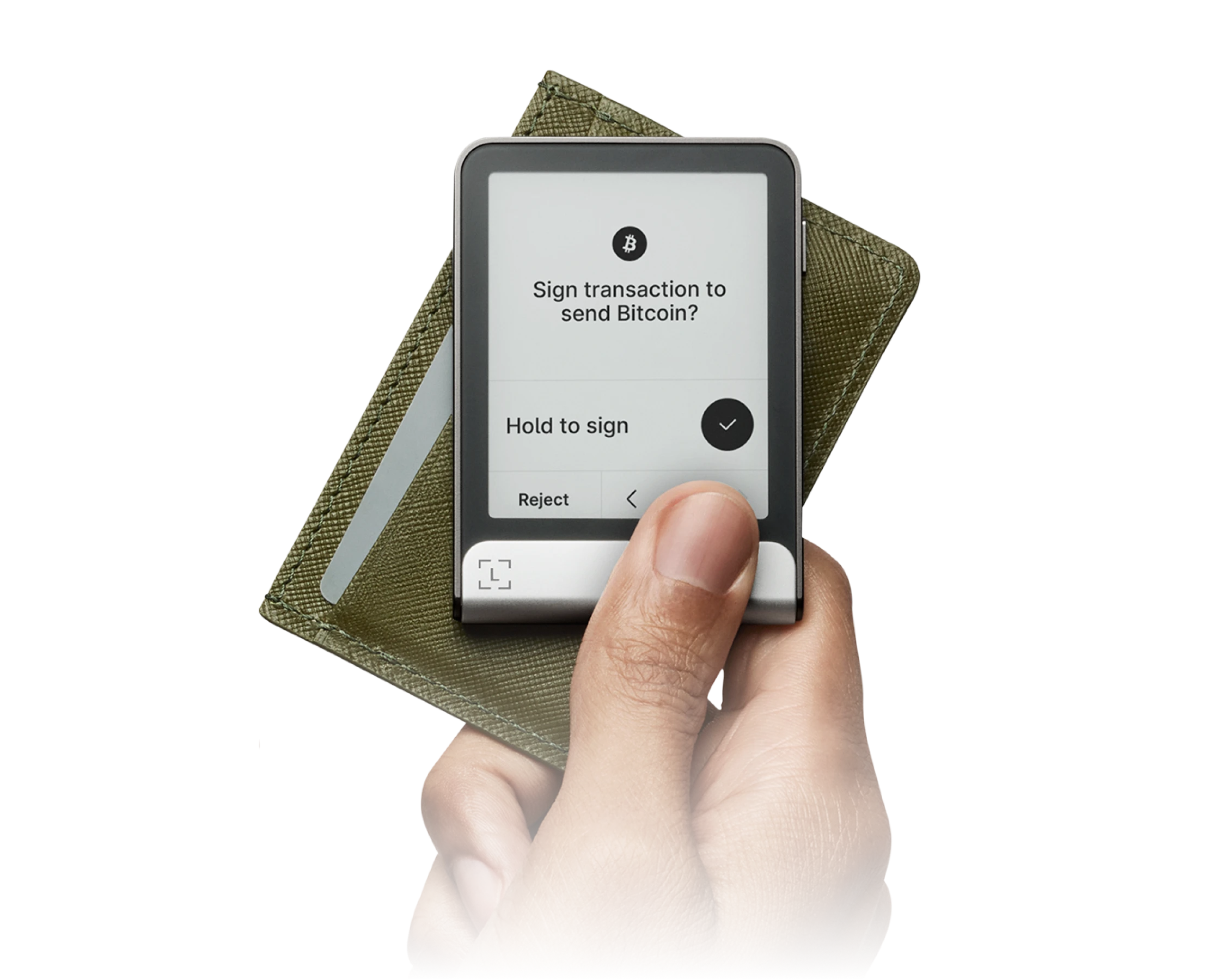
Our Take
Not financial adviceThe Ledger Flex secures its position as the top choice by offering a modern hardware wallet design from a major brand. Both options list a price of 0.0 dollars and support 0 coins according to their specifications. However, the Ledger Flex provides a superior physical interface for managing transactions directly on the device. This design ensures clear visibility during verification, making it the most reliable option for daily asset management.
The Trezor Safe 3 serves as an excellent alternative for budget-conscious users seeking open-source security. Like its competitor, it features a price of 0.0 dollars and asset support of 0 coins in the provided data. Trezor secures this model with a protected secure element that safeguards your recovery seed. This combination of open-source firmware and physical security makes it the best fit for developers and privacy advocates.
Security
Trezor Safe 3
open-source firmware design
Asset Support
both support 0 coins
Price
both cost 0.0 dollars
Usability
Ledger Flex
superior screen interface
Check pricing directly from official stores:
At a Glance
How each wallet scores across key dimensions. Each axis is rated out of 5.
Ratings & Specs
Highlighted cell = stronger result on that metric.
Key Security Features
Trezor Safe 3
- EAL6+ Secure Element Chip
- PIN & Passphrase Protection
- Shamir Backup (SLIP39) Support
- Open-Source Firmware
- Physical Two-Button Confirmation
Ledger Flex
- CC EAL6+ Certified Secure Element
- BOLOS Operating System Architecture
- Full On-Screen Clear Signing Verification
- PIN Code Protection with Anti-Tamper Wiping
- Cryptographic Genuine Device Attestation
Pros & Cons
Trezor Safe 3
Pros
- •Exceptional value at an accessible price point ($79)
- •EAL6+ certified Secure Element chip protects against physical extraction
- •Modern USB-C connectivity
- •Supports Shamir Backup (SLIP39) and broad multi-chain assets (including SOL and ADA)
- •Open-source firmware with public transparency
Cons
- •Compact monochrome screen requires scrolling for long addresses
- •Two physical buttons rather than a touchscreen interface
Ledger Flex
Pros
- •Clear, high-contrast 2.84-inch E-Ink touchscreen display
- •Certified CC EAL6+ Secure Element protection
- •Bluetooth 5.2 and NFC connectivity for mobile flexibility
- •Always-on customizable lock screen with weeks of battery standby
- •Ergonomic aluminum and polycarbonate build
Cons
- •No wireless Qi charging (charges via USB-C)
- •Firmware is partially closed-source due to Secure Element supplier NDAs
Frequently Asked Questions
Which is better for beginners?
Which is more secure?
Which supports more cryptocurrencies?
Is the price difference worth it?
Similar Wallets
Similar to Trezor Safe 3
Related Comparisons
Explore how Trezor Safe 3 and Ledger Flex compare against other top hardware and software wallets.