Trezor Model One vs Coinbase Wallet
vs

Coinbase
Coinbase Wallet
4.0| Software Wallet (Mobile App/Browser Extension)
At a Glance
How each wallet scores across key dimensions. Each axis is rated out of 5.
Ratings & Specs
4.1
Overall Rating
4.0
4.2 / 5
Security Rating
3.7 / 5
Hardware
Wallet Type
Software Wallet (Mobile App/Browser Extension)
Supports Bitcoin, Ethereum, and thousands of ERC-20 tokens (does not support Solana, Cardano, XRP, or Monero).
Assets Supported
Thousands of cryptocurrencies and NFTs across Ethereum (ETH), Polygon, Solana (SOL), Avalanche (AVAX), BNB Chain, Arbitrum, Optimism, and other EVM-compatible networks.
Highlighted cell = stronger result on that metric.
Key Security Features
Trezor Model One
- PIN protection with scrambled matrix
- BIP-39 Passphrase support for hidden wallets
- 100% Open-source hardware and firmware
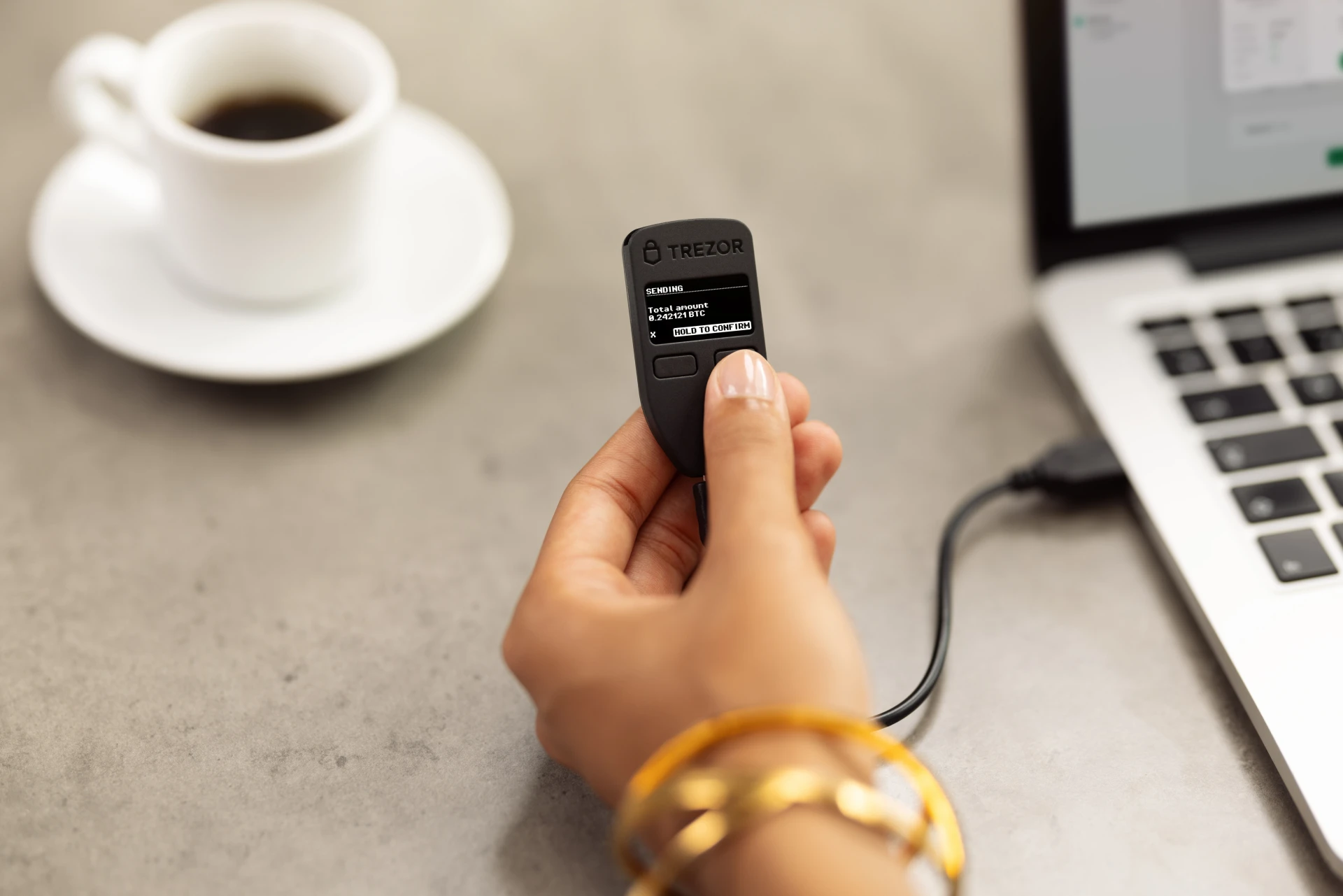
- Physical two-button transaction verification
- Deterministic key generation (BIP-32/39/44)
Coinbase Wallet
- 12-word recovery phrase (seed) for full asset control.
- Optional encrypted Google Drive or iCloud backup for recovery phrase.
- Biometric authentication (Face ID/Touch ID) for app access.
- PIN code protection.
- Transaction signing requires explicit user confirmation.
Pros & Cons
Trezor Model One
Pros
- •Affordable entry-level price point
- •100% open-source firmware and hardware architecture
- •Over 10 years of proven real-world security track record
- •Seamless integration with Trezor Suite desktop and web app
- •Physical two-button confirmation prevents unauthorized transactions
Cons
- •Uses outdated Micro-USB connector instead of USB-C
- •No Secure Element chip (passphrase strongly required against physical attacks)
- •Missing native support for major blockchains like Solana, Cardano, and XRP
- •Scrambled on-screen PIN entry is less convenient than touchscreen models
- •Trezor Safe 3 offers vastly superior hardware for only $10 more
Coinbase Wallet
Pros
- •Strong brand backing from Coinbase, instilling user confidence.
- •Supports a wide range of cryptocurrencies and NFTs across multiple blockchains.
- •Integrated dApp browser for seamless Web3 interaction.
- •User-friendly interface, especially for those familiar with the Coinbase ecosystem.
- •Offers optional cloud backup for recovery phrase (encrypted).
Cons
- •Separate from the Coinbase exchange account, which can be confusing for new users.
- •As a software wallet, it is vulnerable to device compromise and online threats.
- •Some advanced features or customization options might be lacking compared to niche wallets.
- •Cloud backup, while convenient, introduces a third-party risk if not properly secured.
Related Comparisons
Explore how Trezor Model One and Coinbase Wallet compare against other top hardware and software wallets.