Exodus vs Trezor Safe 7

Exodus Movement, Inc.
Exodus
4.3| Software Wallet (Desktop/Mobile)
vs
At a Glance
How each wallet scores across key dimensions. Each axis is rated out of 5.
Ratings & Specs
4.3
Overall Rating
4.8
3.9 / 5
Security Rating
5.0 / 5
Software Wallet (Desktop/Mobile)
Wallet Type
Hardware
Over 260 cryptocurrencies including Bitcoin (BTC), Ethereum (ETH), Solana (SOL), Cardano (ADA), Polkadot (DOT), Monero (XMR), and thousands of altcoins and tokens.
Assets Supported
Over 8,000 coins and tokens across dozens of blockchains including Bitcoin, Ethereum, Solana, and Cardano.
Highlighted cell = stronger result on that metric.
Key Security Features
Exodus
- Password protection for wallet access.
- 12-word recovery phrase (seed) for backup and restoration.
- Local encryption of private keys.
- Optional email-based recovery link.
- Hardware wallet integration (Trezor) for enhanced security.
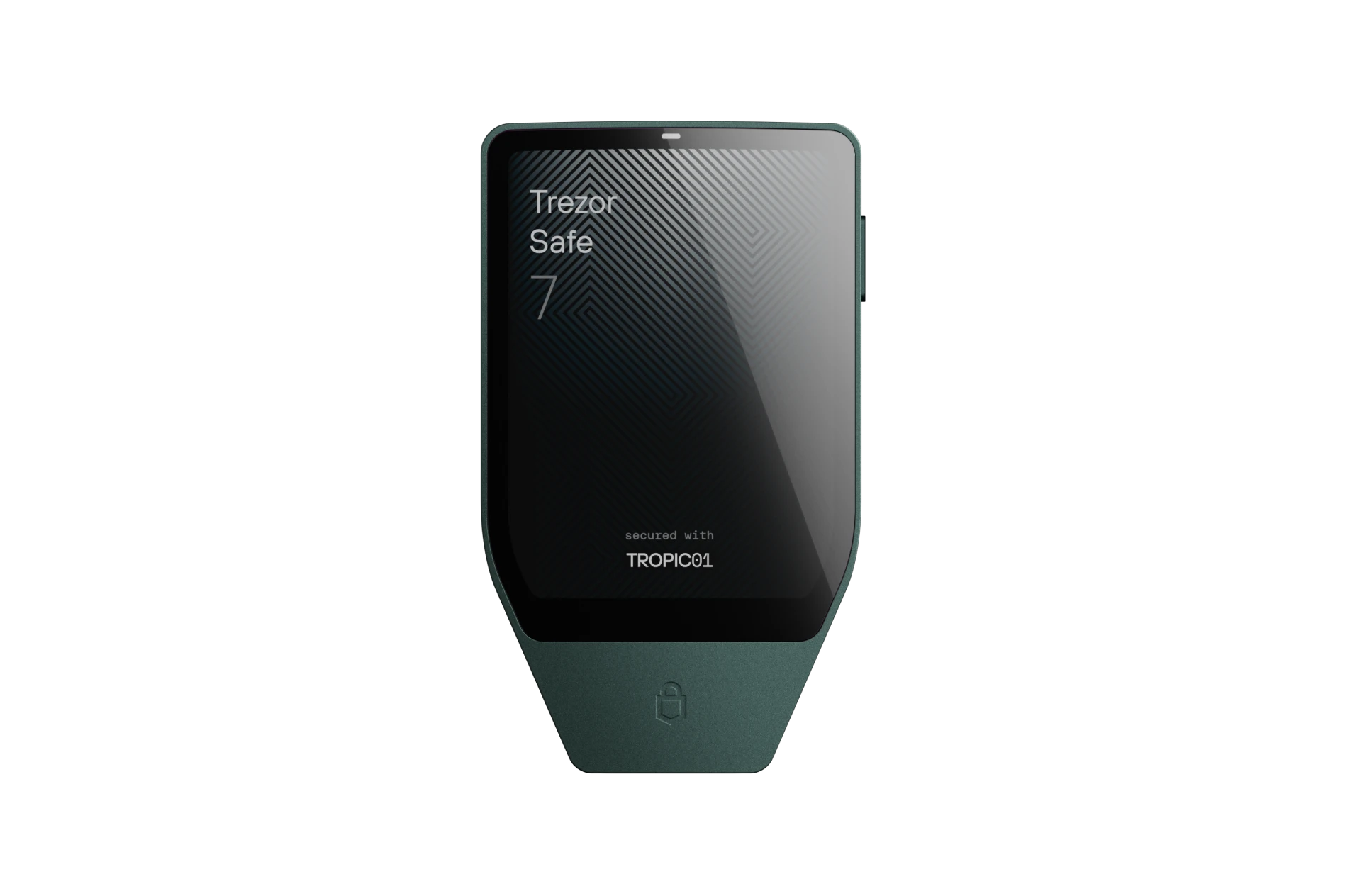
Trezor Safe 7
- Open-Source TROPIC01 Secure Element
- Post-Quantum Cryptography Architecture
- On-Device Touchscreen PIN Entry
- BIP-39 & Shamir Backup (SLIP39) Support
- 100% Open-Source Firmware & Transparent Hardware Design
Pros & Cons
Exodus
Pros
- •Exceptional user interface and user experience, highly intuitive for beginners.
- •Built-in exchange functionality for seamless crypto swaps.
- •Comprehensive portfolio tracking and beautiful visual charts.
- •Excellent 24/7 customer support.
- •Supports a wide array of cryptocurrencies and tokens.
Cons
- •Closed-source software, which raises concerns for some security-conscious users.
- •As a hot wallet, it is more vulnerable to online threats than hardware wallets.
- •No support for multi-signature accounts.
- •Transaction fees for swaps can sometimes be higher due to built-in convenience.
Trezor Safe 7
Pros
- •World's first transparent, open-source TROPIC01 Secure Element
- •Post-quantum cryptographic architecture for long-term security
- •Vibrant color touchscreen with responsive haptic engine
- •Encrypted Bluetooth and USB-C for seamless desktop and mobile use
- •Native Shamir Backup (SLIP39) multi-share recovery support
Cons
- •Premium price point reflecting flagship hardware
- •Slightly larger form factor than minimal USB dongles
- •Bluetooth feature requires battery charging for wireless sessions
Related Comparisons
Explore how Exodus and Trezor Safe 7 compare against other top hardware and software wallets.