Coinbase Wallet vs Trezor Safe 7

Coinbase
Coinbase Wallet
4.0| Software Wallet (Mobile App/Browser Extension)
vs
At a Glance
How each wallet scores across key dimensions. Each axis is rated out of 5.
Ratings & Specs
4.0
Overall Rating
4.8
3.7 / 5
Security Rating
5.0 / 5
Software Wallet (Mobile App/Browser Extension)
Wallet Type
Hardware
Thousands of cryptocurrencies and NFTs across Ethereum (ETH), Polygon, Solana (SOL), Avalanche (AVAX), BNB Chain, Arbitrum, Optimism, and other EVM-compatible networks.
Assets Supported
Over 8,000 coins and tokens across dozens of blockchains including Bitcoin, Ethereum, Solana, and Cardano.
Highlighted cell = stronger result on that metric.
Key Security Features
Coinbase Wallet
- 12-word recovery phrase (seed) for full asset control.
- Optional encrypted Google Drive or iCloud backup for recovery phrase.
- Biometric authentication (Face ID/Touch ID) for app access.
- PIN code protection.
- Transaction signing requires explicit user confirmation.
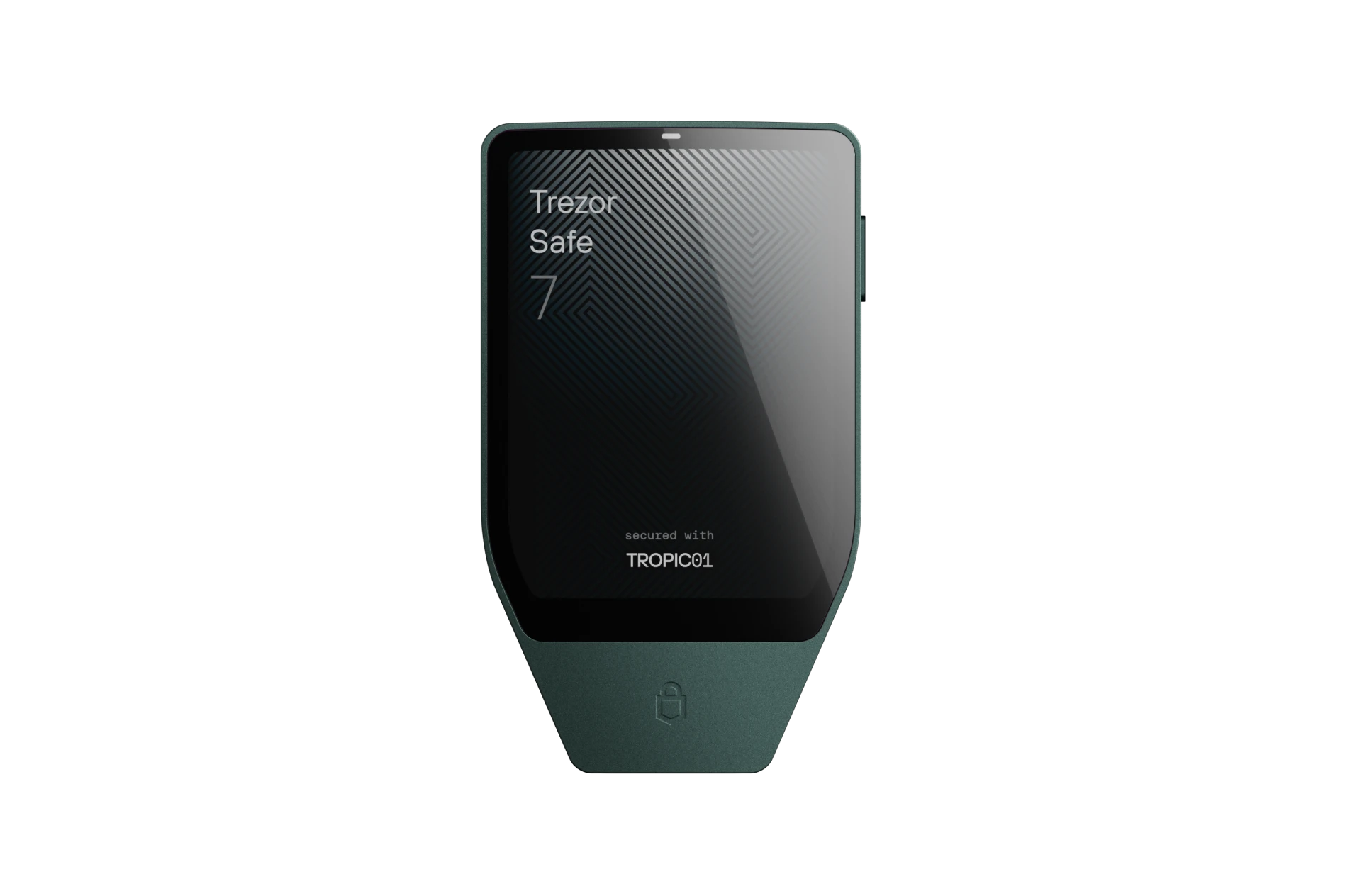
Trezor Safe 7
- Open-Source TROPIC01 Secure Element
- Post-Quantum Cryptography Architecture
- On-Device Touchscreen PIN Entry
- BIP-39 & Shamir Backup (SLIP39) Support
- 100% Open-Source Firmware & Transparent Hardware Design
Pros & Cons
Coinbase Wallet
Pros
- •Strong brand backing from Coinbase, instilling user confidence.
- •Supports a wide range of cryptocurrencies and NFTs across multiple blockchains.
- •Integrated dApp browser for seamless Web3 interaction.
- •User-friendly interface, especially for those familiar with the Coinbase ecosystem.
- •Offers optional cloud backup for recovery phrase (encrypted).
Cons
- •Separate from the Coinbase exchange account, which can be confusing for new users.
- •As a software wallet, it is vulnerable to device compromise and online threats.
- •Some advanced features or customization options might be lacking compared to niche wallets.
- •Cloud backup, while convenient, introduces a third-party risk if not properly secured.
Trezor Safe 7
Pros
- •World's first transparent, open-source TROPIC01 Secure Element
- •Post-quantum cryptographic architecture for long-term security
- •Vibrant color touchscreen with responsive haptic engine
- •Encrypted Bluetooth and USB-C for seamless desktop and mobile use
- •Native Shamir Backup (SLIP39) multi-share recovery support
Cons
- •Premium price point reflecting flagship hardware
- •Slightly larger form factor than minimal USB dongles
- •Bluetooth feature requires battery charging for wireless sessions
Related Comparisons
Explore how Coinbase Wallet and Trezor Safe 7 compare against other top hardware and software wallets.