Trezor Model T vs Trust Wallet
Our Take
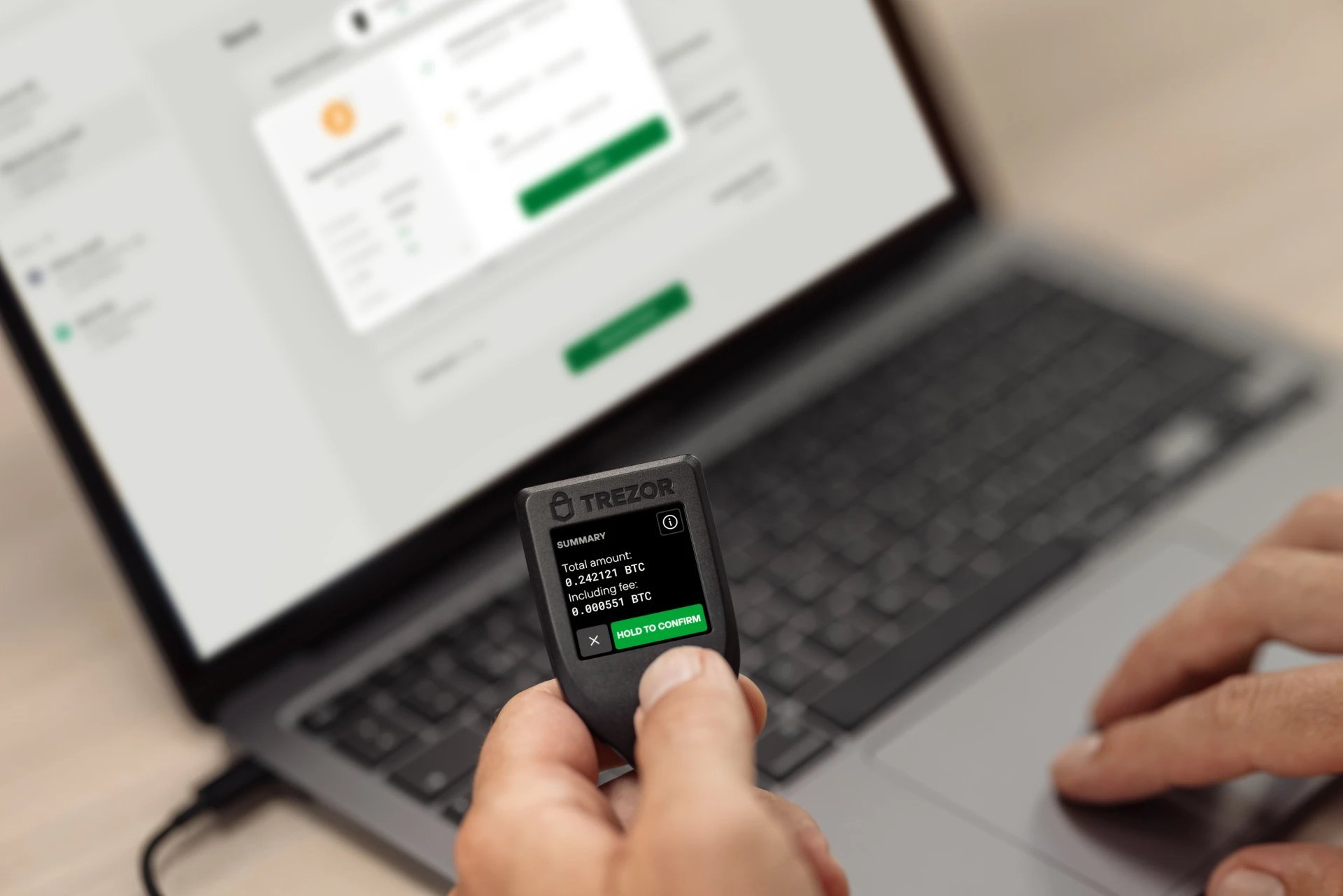
Not financial adviceThe Trezor Model T is the best choice for securing cryptocurrency, earning a 4.6 overall rating and a 4.9 security rating. Its hardware-based cold storage isolates private keys offline, using Shamir Backup (SLIP39) and an on-device touchscreen PIN entry to block keyloggers. While it supports over 8,000 assets, its open-source firmware ensures complete transparency. This device delivers the physical security necessary to protect digital assets from online threats.
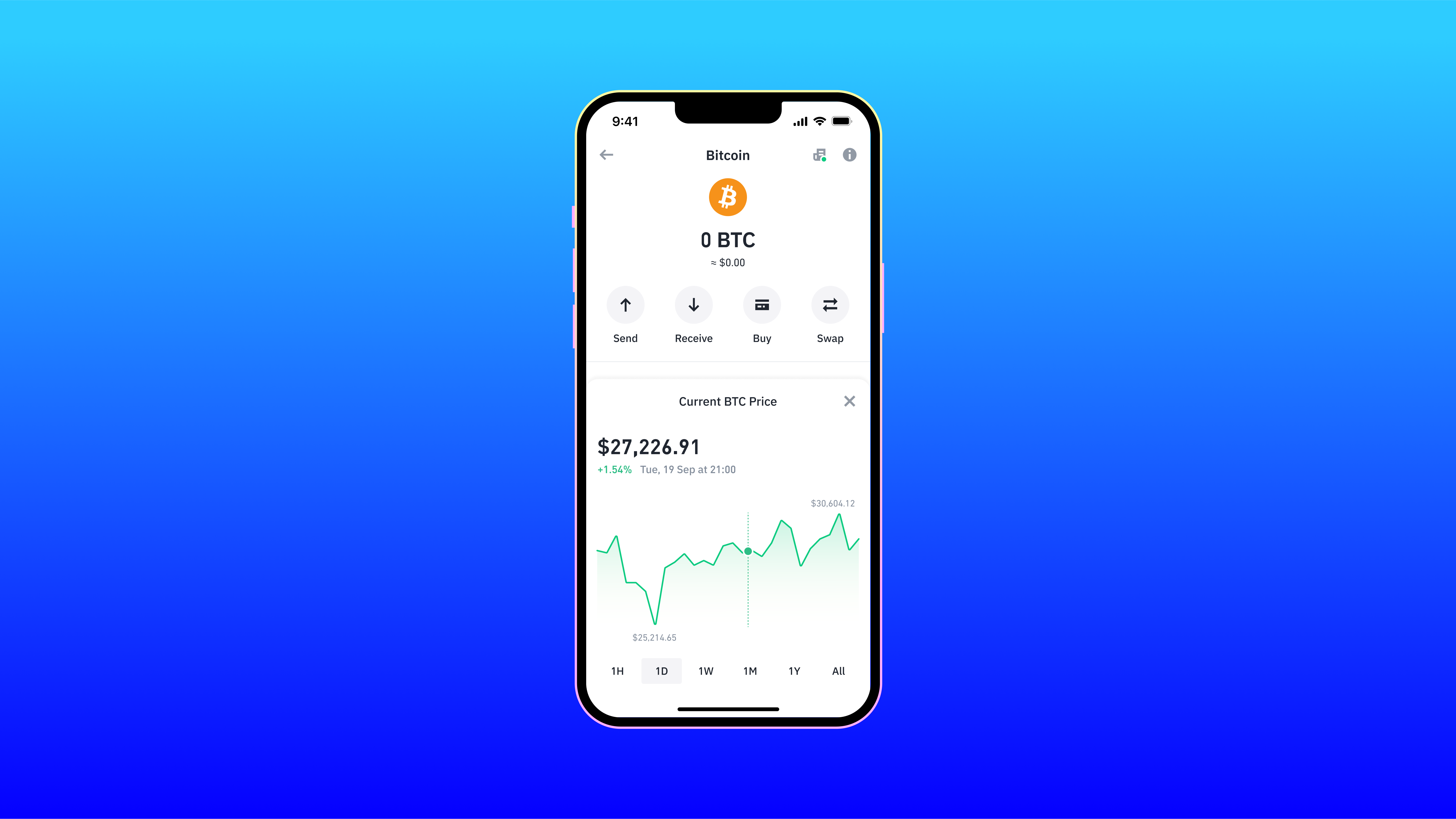
Trust Wallet is the superior option for active traders who prioritize convenience and asset variety over maximum security, scoring a 4.1 overall rating. It supports over 10 million assets across 100 blockchains, far exceeding the Trezor. This software wallet features built-in staking, token swapping, and biometric authentication. However, its 4.1 security rating reflects the inherent vulnerabilities of hot wallets, making it best for smaller balances and daily transactions.
Security
Trezor Model T
Offline cold storage with a 4.9 security rating and Shamir Backup.
Asset Support
Trust Wallet
Supports over 10 million assets across 100 blockchains.
Price
Trust Wallet
Free software wallet compared to the high-priced Trezor.
Usability
Trust Wallet
User-friendly mobile interface with built-in staking and swapping.
At a Glance
How each wallet scores across key dimensions. Each axis is rated out of 5.
Ratings & Specs
Highlighted cell = stronger result on that metric.
Key Security Features
Trezor Model T
- Shamir Backup (SLIP39) support
- On-device Touchscreen PIN entry
- Passphrase protection
- Open-source firmware
- FIDO2/U2F Authentication
Trust Wallet
- Local key storage (Non-custodial)
- Biometric authentication (FaceID/TouchID)
- PIN code protection
- Encrypted Cloud Backup options
- Real-time security scanner for risky transactions
Pros & Cons
Trezor Model T
Pros
- •Color touchscreen enables on-device PIN and passphrase entry, mitigating keylogger risks
- •First hardware wallet to support Shamir Backup (SLIP39) for distributed security
- •Fully open-source firmware and hardware design ensures transparency
- •Native support for a wider range of assets compared to the Model One (e.g., Cardano, Monero)
- •USB-C connectivity aligns with modern device standards
Cons
- •Significantly higher price point compared to entry-level hardware wallets
- •Touchscreen is relatively small, which can be difficult for some users
- •Plastic build quality might feel less durable than metal competitors
- •Lacks native iOS support due to Apple's USB restrictions
Trust Wallet
Pros
- •Supports a massive range of over 10 million assets and 100+ blockchains
- •User-friendly interface ideal for both beginners and experienced traders
- •Built-in staking and token swapping capabilities
- •Seamless access to decentralized applications (dApps) via integrated browser or WalletConnect
- •Non-custodial architecture ensures users retain full control of their private keys
Cons
- •As a hot wallet, it is inherently less secure than cold storage hardware wallets
- •The in-app dApp browser is unavailable on the iOS version due to Apple guidelines
- •Customer support channels can be overwhelmed due to the massive user base
- •Limited advanced charting tools for professional trading within the app