Trezor Model T vs Coinbase Wallet

Coinbase
Coinbase Wallet
Our Take
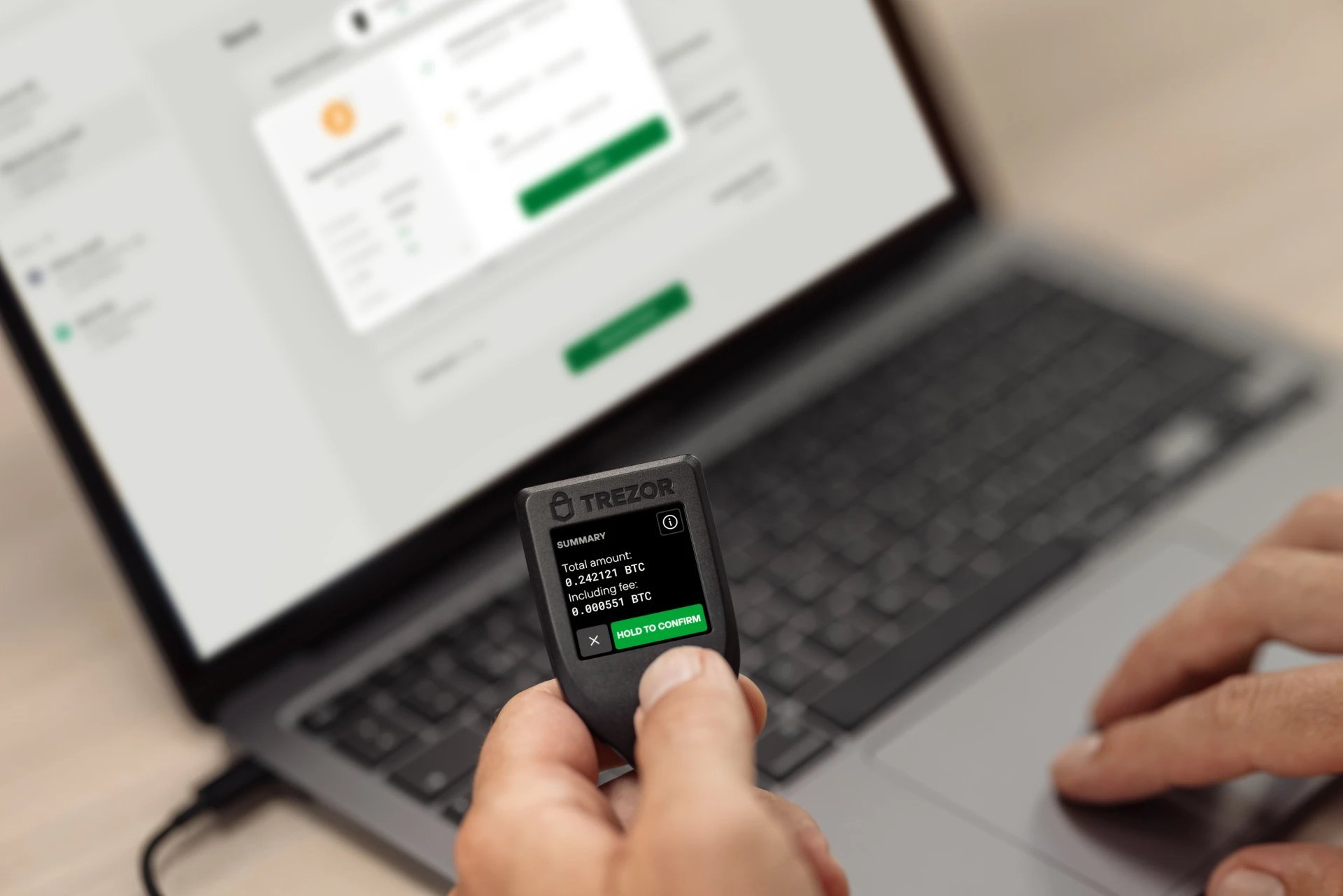
Not financial adviceThe Trezor Model T is the best choice for securing digital assets, backed by its 4.6 overall rating and 4.9 security rating. Its hardware design isolates private keys from internet-connected devices. Security features like Shamir Backup and on-device Touchscreen PIN entry protect against physical and digital theft. While it lacks native iOS support, its open-source firmware and support for over 8,000 coins make it the premier choice for long-term storage.
For active Web3 users, the Coinbase Wallet offers excellent convenience despite its lower 4.0 overall rating and 3.7 security rating. This software wallet provides an integrated dApp browser and supports thousands of assets across Ethereum, Polygon, and Solana. Features like biometric authentication and optional encrypted Google Drive or iCloud backups simplify daily transactions. However, as a software wallet, it remains vulnerable to online threats that hardware wallets easily prevent.
Security
Trezor Model T
Features a 4.9 security rating, open-source firmware, and Shamir Backup.
Asset Support
Trezor Model T
Supports over 8,000 coins and tokens natively.
Price
Coinbase Wallet
Free to download, unlike the high-priced Trezor Model T.
Usability
Coinbase Wallet
Features a user-friendly mobile app with an integrated dApp browser.
At a Glance
How each wallet scores across key dimensions. Each axis is rated out of 5.
Ratings & Specs
Highlighted cell = stronger result on that metric.
Key Security Features
Trezor Model T
- Shamir Backup (SLIP39) support
- On-device Touchscreen PIN entry
- Passphrase protection
- Open-source firmware
- FIDO2/U2F Authentication
Coinbase Wallet
- 12-word recovery phrase (seed) for full asset control.
- Optional encrypted Google Drive or iCloud backup for recovery phrase.
- Biometric authentication (Face ID/Touch ID) for app access.
- PIN code protection.
- Transaction signing requires explicit user confirmation.
Pros & Cons
Trezor Model T
Pros
- •Color touchscreen enables on-device PIN and passphrase entry, mitigating keylogger risks
- •First hardware wallet to support Shamir Backup (SLIP39) for distributed security
- •Fully open-source firmware and hardware design ensures transparency
- •Native support for a wider range of assets compared to the Model One (e.g., Cardano, Monero)
- •USB-C connectivity aligns with modern device standards
Cons
- •Significantly higher price point compared to entry-level hardware wallets
- •Touchscreen is relatively small, which can be difficult for some users
- •Plastic build quality might feel less durable than metal competitors
- •Lacks native iOS support due to Apple's USB restrictions
Coinbase Wallet
Pros
- •Strong brand backing from Coinbase, instilling user confidence.
- •Supports a wide range of cryptocurrencies and NFTs across multiple blockchains.
- •Integrated dApp browser for seamless Web3 interaction.
- •User-friendly interface, especially for those familiar with the Coinbase ecosystem.
- •Offers optional cloud backup for recovery phrase (encrypted).
Cons
- •Separate from the Coinbase exchange account, which can be confusing for new users.
- •As a software wallet, it is vulnerable to device compromise and online threats.
- •Some advanced features or customization options might be lacking compared to niche wallets.
- •Cloud backup, while convenient, introduces a third-party risk if not properly secured.